Wabi Sabi Gifts
Experience gifts, bought as a set and chosen later
- Industry
- Experience gifts, e-commerce
- Year
- 2020 — ongoing
- What we did
- Storefront, gifting checkout, back office, SEO
- Live
- wabisabi.gifts
- Site languages
- EN · NL
- Experiences in the catalog
- 52
- Categories × regions
- 11 × 11
- Storefront languages, EN and NL
- 2
Overview
Wabi Sabi Gifts is an Amsterdam marketplace for experience gifts: pasta workshops, wine tastings, boxing lessons, photoshoots, flights. We built the whole platform — a bilingual EN/NL catalog, a four-step gifting checkout on Stripe, PDF vouchers with activation codes and the back office the team runs it from.
- 01Build a setseveral experiences
- 02Pay for the priciestStripe Checkout
- 03Voucher on your datePDF with a QR code
- 04Recipient picks onewith the activation code
01 — Challenge
An experience is not a parcel. The buyer rarely knows what the recipient would pick, the gift may arrive weeks after payment, and redemption needs a date agreed with the host. A standard cart that sells one item to the person who pays covers none of that.
02 — What we built
We separated buying from redeeming. The buyer can put several experiences into one set and pays only for the most expensive; the recipient later enters the activation code and picks one. Checkout asks who the gift is for, when the voucher should arrive and what the message says, then hands payment to Stripe.
03 — Result
A live store with 52 experiences across 11 categories and 11 regions of the Netherlands, in English and Dutch, with a separate track for team building and corporate gifts. The team runs the catalog, extras, coupons, activation codes and reviews without a developer, and in 2026 the storefront got an SEO pass: hreflang, page titles and structured data.
Catalog and filters
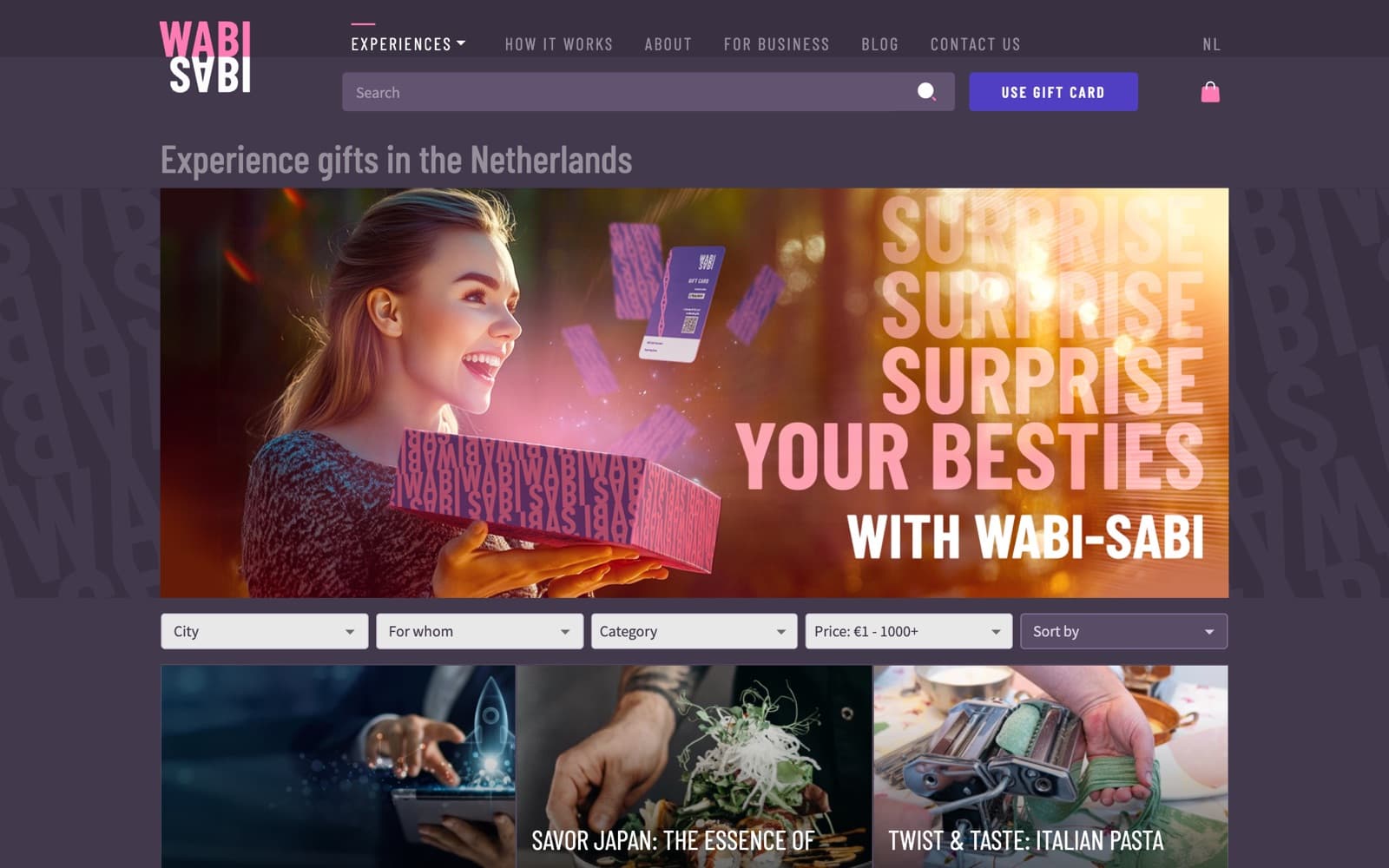
People shop for a gift by region, by who it is for, by theme and by budget, so the catalog filters exactly on those four. Filter state is written to the URL, so a filtered view can be shared, and every region, category and recipient group also has its own indexable page.
- 11 categories, 11 regions and 6 recipient groups
- Category, recipient and price filters apply without a reload
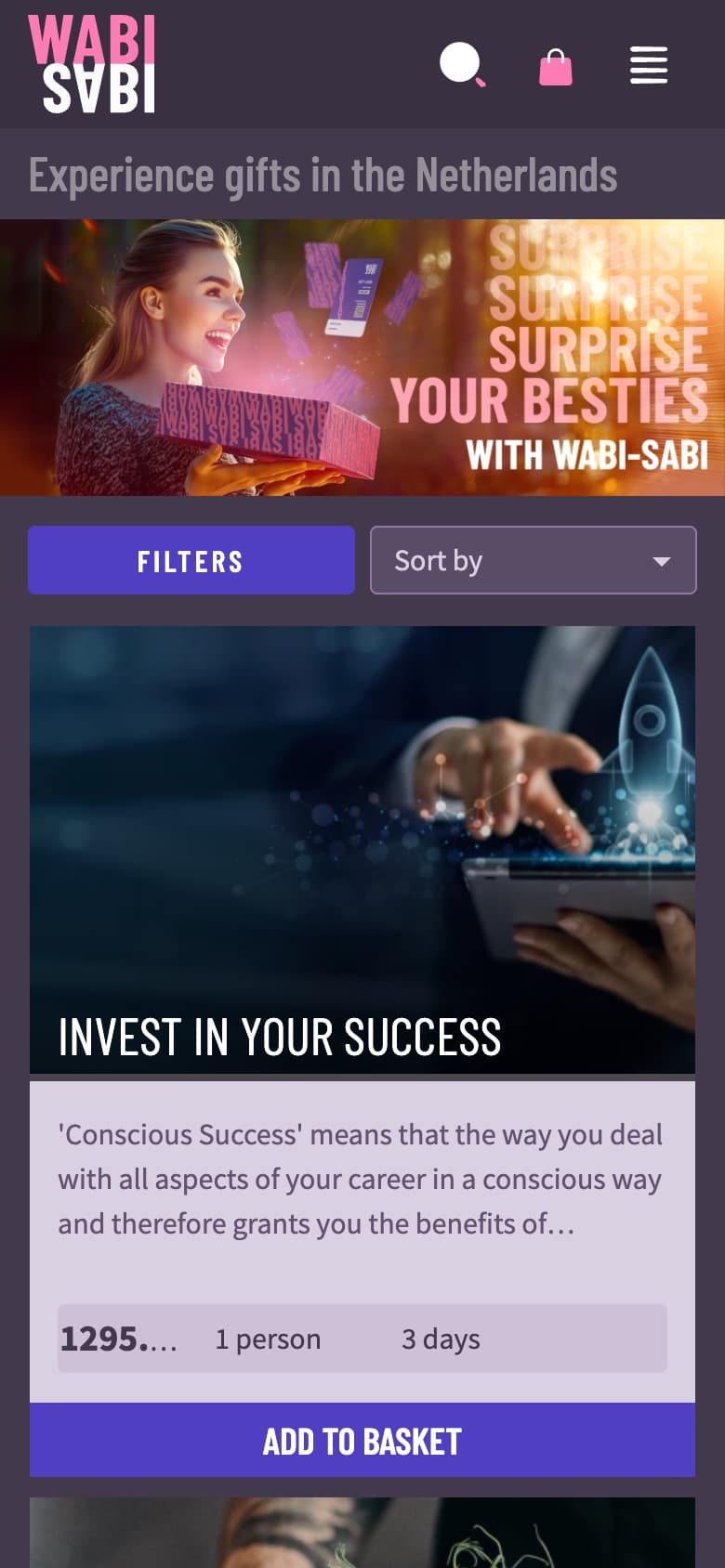
- Filters fold into one button on mobile
Experience page
Each experience reads like a small landing page: gallery, description, location on a map, the four gifting steps, reviews and gift wrapping. Price variants sit in one selector, so a workshop for one person and for two is a single listing.
- Price variants by group size and duration
- Google Maps location and photo gallery
- Star ratings and reviews, moderated from the back office
A basket that is a gift set
The basket holds options for the recipient, not goods to ship. The buyer adds several experiences and pays for the most expensive one; the recipient chooses which to do when they activate the voucher.
- Four steps: basket, voucher type, delivery, payment
- Stripe Checkout with promo codes and shipping options
- Optional extras such as flowers, balloons and bubbly
Delivery and activation
The buyer picks the day the voucher arrives, writes a message and can stay anonymous. The recipient gets a PDF voucher with an activation code and a QR link; activation collects their choice and contact details, and the team is alerted to plan the date.
- Scheduled delivery date or instant send
- PDF voucher with activation code and QR link
- Telegram alerts on purchases, activations and reviews
Key decisions
- A gift set goes to Stripe as one line item priced at its most expensive experience, with coupons converted to Stripe discounts.
- One Lighthouse GraphQL schema serves both the React storefront and the React back office.
- Vouchers are rendered to PDF on the server with a QR code to the activation page and e-mailed on the date the buyer chose.
- Regions, categories and recipient groups have their own pages with hreflang, per-page titles and Product and breadcrumb structured data.